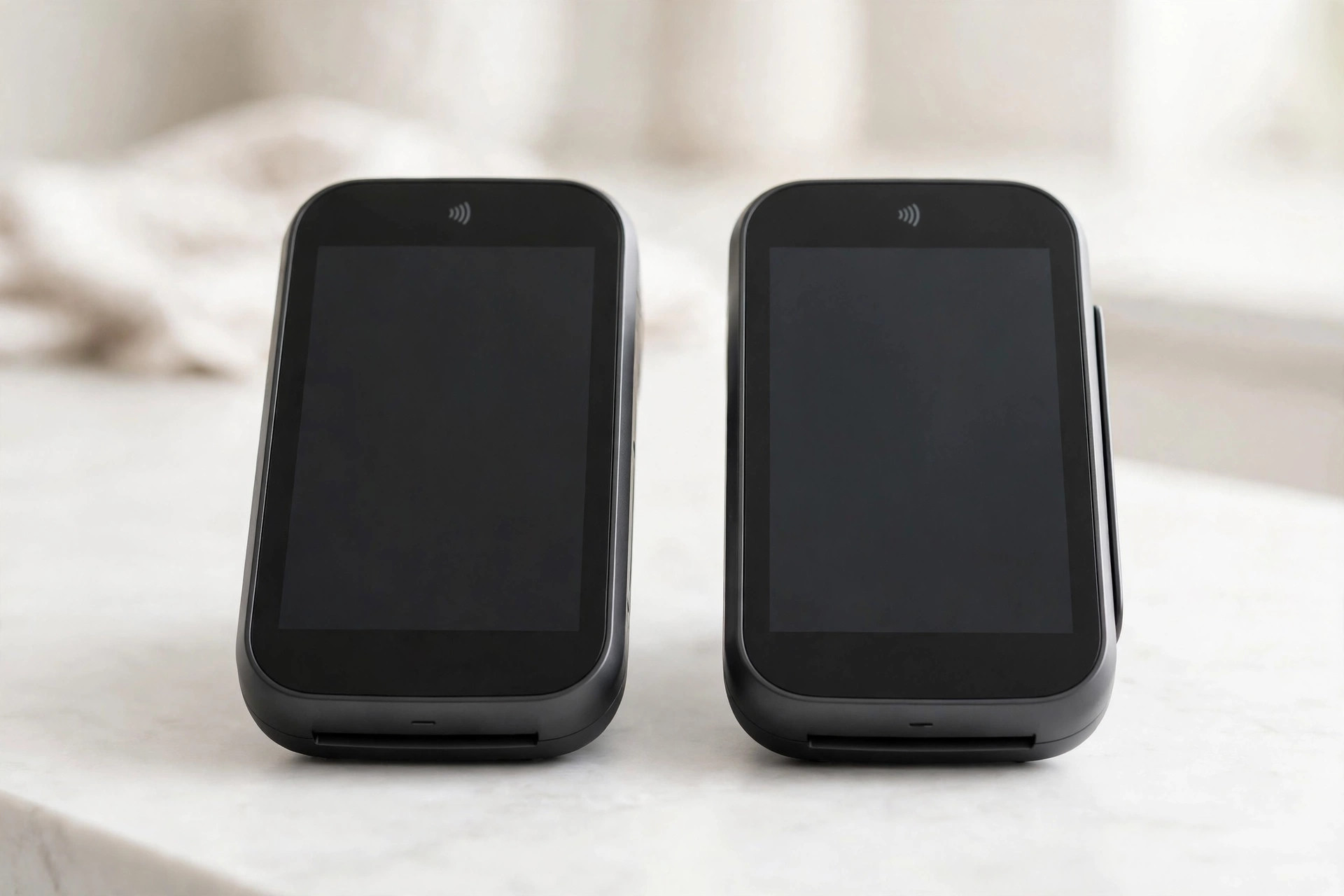
Most merchants who overpay stay put because switching feels risky: downtime at the till, lost recurring billing, staff confusion. The risk is real but entirely manageable — the entire trick is running both processors in parallel and cutting over only when the new one is proven. Ninety days is comfortable; sixty is doable. Here's the plan.
Days 1–30: Set up the new processor alongside the old one
Phase 1 — Parallel setup (no customer impact)
- Sign the new agreement — after running the contract checklist. Confirm the termination terms of the old agreement first: know your notice window and any exit fee before you commit to the new one.
- Get the new terminals or gateway credentials. For in-person: unbox the new terminal, connect it to your network, and run a $1.00 test transaction — then void it. For online: add the new gateway to your checkout in test mode.
- Migrate recurring billing tokens. This is the step people forget. If you store cards for subscriptions or card-on-file, the payment tokens live with your old processor — ask the new one about token migration or portability before you need it. Re-collecting cards from every subscriber is the nightmare scenario; a planned token transfer avoids it.
- Train one person. Pick your most terminal-comfortable staffer, walk them through the new device: sale, refund, void, receipt reprint. Fifteen minutes, one huddle — this is the entire training program for most terminals.
Days 31–60: Prove the new setup, then cut over
Phase 2 — Cutover (controlled, reversible)
- Run a low-risk shift on the new processor. A quiet Tuesday morning, not Black Friday. Process real sales through the new terminal while the old one sits beside it, plugged in and ready.
- Reconcile the first settlement. Confirm the money lands in your bank account on the expected schedule and the fees match the quote. One clean settlement cycle is your green light.
- Cut over fully. Move all terminals/POS lanes to the new processor. Keep the old account open — do not cancel yet.
- Train the rest of the staff. Same 15-minute huddle: sale, refund, void, receipt reprint, and where the new terminal lives. Post the void-vs-refund rule (same-day voids save the fee) where staff can see it.
Days 61–90: Overlap, verify, close out
Phase 3 — Overlap and exit (the safety net)
- Run the overlap. Keep the old account live for 30–60 days after cutover. Stragglers — delayed captures, recurring charges you missed in migration, a forgotten online checkout — still have somewhere to go.
- Watch for zombie charges. Review the old account's activity weekly during overlap. Any recurring billing still hitting the old processor gets moved, not left.
- Cancel the old account in writing. Send written notice per the old contract's terms, inside the notice window. Get written confirmation of closure and a final statement.
- Confirm the money stopped. Check the next bank statement: no monthly fee, no PCI fee, no minimum from the old processor. If something still bills, the account isn't closed — escalate with your closure confirmation in hand.
The done checklist
- ☐ New agreement signed; old contract's notice window and exit fee known
- ☐ $1.00 test transaction run and voided on the new setup
- ☐ Recurring-billing tokens migrated (or re-collection plan executed)
- ☐ One full settlement cycle reconciled: money arrived, fees match the quote
- ☐ All staff trained: sale, refund, void, receipt reprint
- ☐ 30–60 day overlap completed; zombie charges moved
- ☐ Old account cancelled in writing; closure confirmed
- ☐ Next bank statement checked: old processor billing at zero
Timing tip: start the 90-day clock so that cutover lands just after your old contract's renewal date passes — or, if you're already month-to-month, any time. The most expensive switching mistake isn't downtime; it's auto-renewing into another 12 months because you started the process two weeks too late. Calendar beats courage.
FAQ
Will I have downtime during the switch?
Not if you run the overlap. The old processor stays live until the new one has proven itself through real sales and a clean settlement cycle. Downtime comes from hard cutovers, not from switching.
What happens to my stored customer cards?
Payment tokens are processor-specific. Plan the migration before cutover — many processors support token portability, but it takes coordination. This is the number-one thing to ask the new processor during the sales process, not after signing.
How long should the overlap be?
30 days minimum, 60 if you have recurring billing or multiple sales channels. The cost of the overlap (one extra month of the old account's fixed fees) is trivial next to a missed recurring charge or a failed capture.