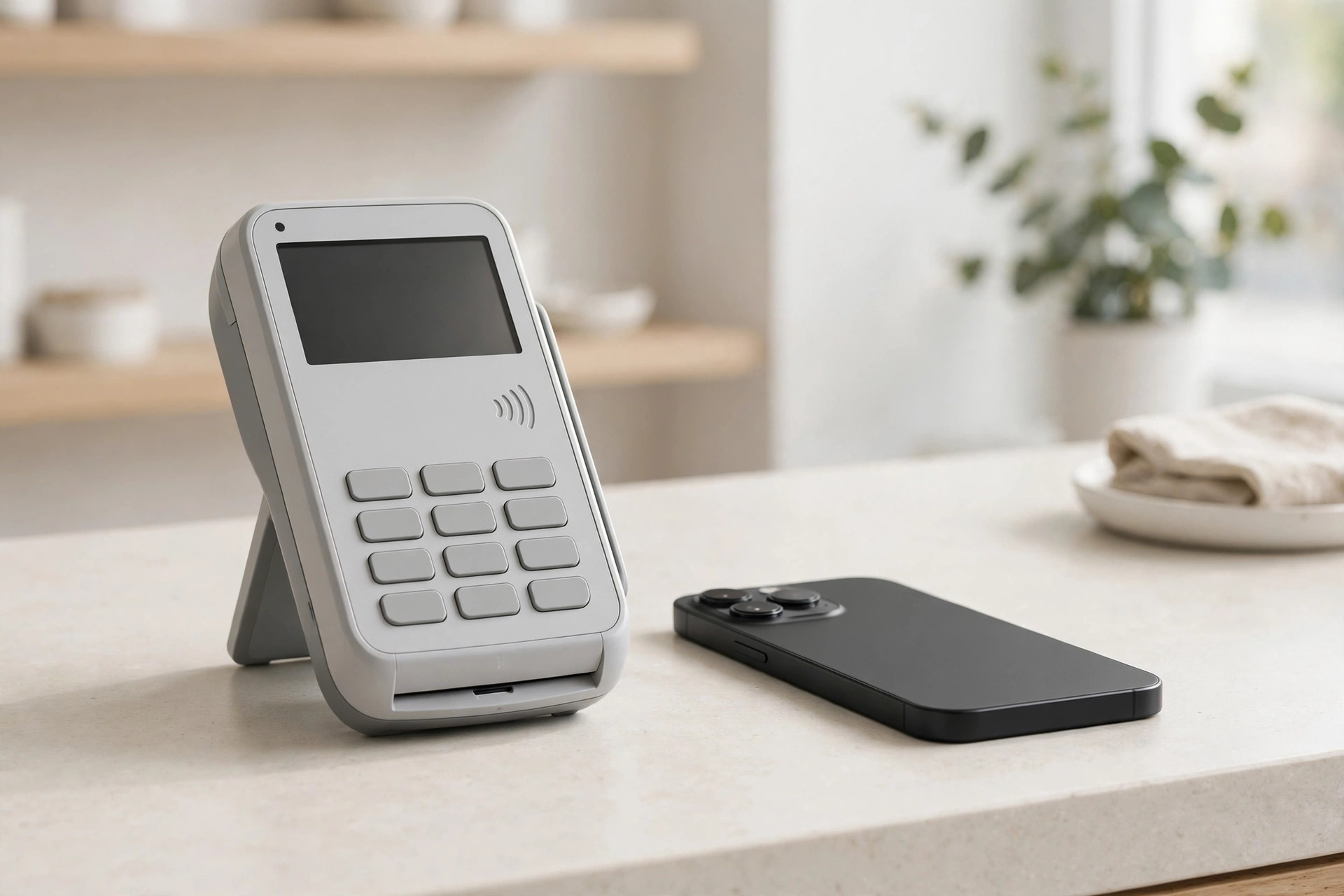
The most common terminal mistake isn't buying the wrong brand — it's buying for features instead of usage. An over-engineered countertop system at a market stall, or a phone reader trying to survive a Saturday lunch rush: the technology works, the alignment doesn't. Start from where your transactions actually happen.
The decision matrix: business type to form factor
| Your workflow | Best fit | Why it wins |
|---|---|---|
| Fixed counter, steady line (retail, café, salon) | Countertop | Large screen, wired connection, built-in printer handle volume and speed |
| Tableside service (restaurant, bar) | Mobile | Tips and signatures captured at the table; no card ever leaves the customer |
| On the move (markets, food truck, trades, delivery) | Mobile | Battery-powered, Wi-Fi or cellular, pocketable; quick to deploy |
| Phone and invoice billing (services, B2B) | Virtual terminal | No hardware at all — but card-not-present rates run higher than tap/chip |
| Hybrid (storefront + curbside/delivery) | Combo | Countertop inside, mobile outside, one dashboard for both |
Countertop strengths and limits
Countertop terminals win on throughput and polish: big customer-facing displays, built-in receipt printers, barcode scanners, and wired Ethernet that doesn't care about Wi-Fi congestion. They're the right call wherever the customer comes to a fixed point of sale and speed matters. Their limits: they're bolted to the counter. Line-busting, curbside handoff, and tableside payment are all outside their reach — and a countertop-only setup has no fallback when the store internet drops.
Mobile strengths and limits
Mobile terminals win on reach: the transaction happens wherever the customer is — the table, the aisle, the driveway. Modern handhelds add offline payment support, barcode scanning, and all-day batteries. Their limits: smaller screens slow complex transactions, receipt printing is cramped or app-based, and they're only as reliable as their wireless connection. For a fixed high-volume counter, a phone-sized device is the wrong tool.
The Canadian specifics
Three local factors belong in the decision. First, Interac debit: whichever form factor you choose must handle tap, insert, and swipe debit flows cleanly — a reader that fumbles debit costs you on every debit sale. Second, tap-to-pay on phone: both Square and Moneris now offer Tap to Pay on iPhone/Android in Canada, turning a phone into a mobile terminal with no extra hardware — worth testing before buying a dedicated mobile reader. Third, receipts: bilingual and email-receipt expectations vary by clientele; confirm the terminal's receipt options before you commit.
The hybrid case: when two device types pay off
The setup: a countertop terminal (~$399 one-time) plus a mobile reader (~$69–$129) totals roughly $470–$530.
The math: if tableside or curbside acceptance recovers just 2 walkaway sales a week at $40 each, that's ~$320/month — the second device pays for itself in under two months.
The rule: buy the second form factor when you can name the sales it recovers (line-busting at peak, tableside tips, market days). Don't buy it “for flexibility” — unnamed flexibility gathers dust in a drawer.
Merchant reviews consistently reward the same thing this matrix predicts: fit. Aggregated Trustpilot and G2 reviews of popular terminals praise lower processing costs and responsive support when the device matches the workflow — and the complaints cluster around mismatches (app instability on underpowered setups, card readers that weren't easy for staff to use). One hospitality operator's verdict after switching to a simpler fit: the straightforward option “just made sense… and saved a bit of money.”
A note on steps: this is a buying-decision guide, not a repair procedure — the decision matrix above is the actionable part. There's no settings path to click through; the “procedure” is working the matrix against your actual transaction locations.
FAQ
Can I just use my phone as a terminal?
In Canada, yes — Tap to Pay on iPhone/Android through Square or Moneris turns a compatible phone into a contactless terminal with no extra hardware. It's ideal for mobile and backup use; for a fixed high-volume counter, a dedicated terminal is still faster.
Do mobile terminals cost more per transaction?
Not inherently — the rate depends on your pricing model and how the card is presented (tap/chip vs keyed), not the device's size. Keyed entry on any device costs more.
Should a restaurant get mobile, countertop, or both?
Mobile for tableside (tips, no abandoned cards), and a countertop or register for the bar/host stand. That's the classic hybrid that earns its keep.